
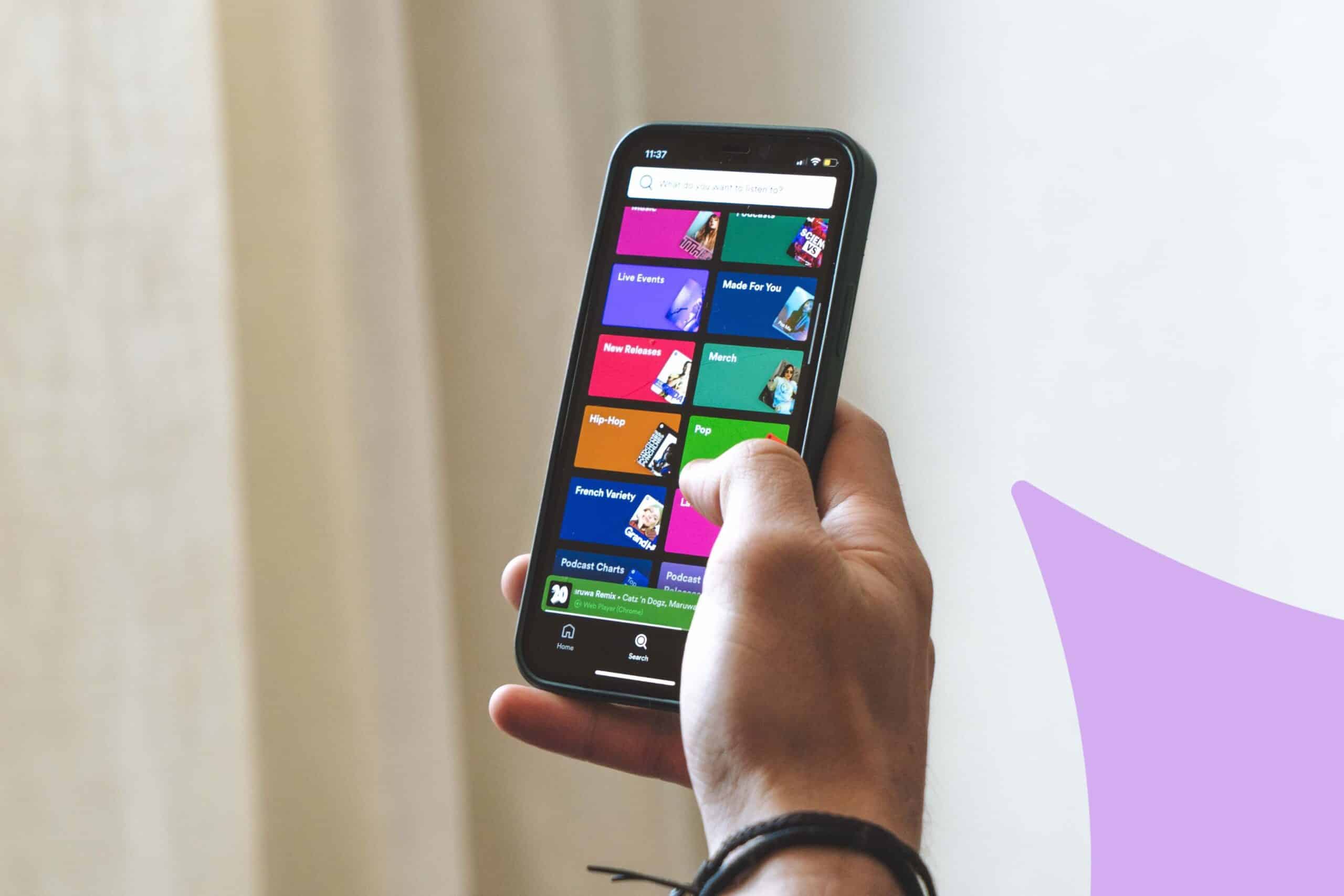
Imagine you wake up one morning, open Spotify, and there is a new release on your profile. Except you did not release anything. The music is not yours. But it is sitting right there, under your name, reaching your listeners.
That actually happened to Emily Portman. A fan messaged her to say how much they loved her latest album. The thing is, she had not put out an album. She clicked the link and found a full release called Orca, live on Spotify, crediting her as writer, performer, and copyright holder. Someone had used an AI tool to emulate her style, packaged it up, and uploaded it under her name. It took Spotify three weeks to remove it. Then a second fake album appeared.
Tyler the Creator ran into something similar when he dropped Don’t Tap the Glass. On the same day, AI tracks with suspiciously similar names showed up on the platform, stepping all over the launch. And these are just the cases that made headlines.
In March 2026, Sony Music requested the removal of over 135,000 tracks made with generative AI to impersonate its artists. Sony itself said that number is probably only a fraction of what is actually out there. The IFPI puts it bleaker: up to 10% of content across all streaming platforms might be fraudulent at this point.
A few weeks after that, Spotify announced Artist Profile Protection.
🔒 So, what does Artist Profile Protection actually do?
It is a new optional feature inside Spotify for Artists, currently in limited beta. Turn it on, and it adds a review step before anything goes live on your profile.
The way it works: when music gets delivered to Spotify under your name, you get an email. You can then approve or decline the release. Approve it and everything moves forward normally. Decline it and it does not appear on your profile, does not touch your stats, and does not show up in recommendations.
That last bit is the part that matters. We are not talking about hiding something after the fact. A declined release gets pulled from your entire presence on the platform before anyone sees it. If Emily Portman had this, she would never have had to spend three weeks chasing Spotify to take down a fake album her fans had already started listening to.
The feature is managed through Spotify for Artists settings on desktop and mobile web, by Artist Team Admins and Editors.
🧪 Who has access right now
Most artists do not have it yet. Spotify is running a limited beta and has been upfront that what exists right now is not the finished product. They are refining it based on feedback before rolling it out more broadly, and no date has been given for when that happens.
To check if you are in:
- Open Spotify for Artists on desktop or mobile web
- Go to your settings
- Look for Artist Profile Protection
If it is there, you can switch it on. If it is not, you are not in the beta and there is nothing to apply for or join yet. Spotify decides who gets access and when.
⚠️ AI just turned up the volume on an older issue
Worth saying clearly: AI did not invent this problem. Releases landing on the wrong profile have been a headache for years, well before generative music tools became cheap and accessible.
Metadata errors during upload have always been able to link a track to the wrong artist. Shared or similar names create confusion constantly. Distributors make mistakes. What changed is scale and intent. A journalist at 404 Media showed exactly how easy it is: they generated a track with Udio, opened a standard DistroKid account, uploaded it to a real band’s profile, and it went live. No hacking. No stolen credentials. Just the normal distribution pipeline, which trusts whoever is uploading to tell the truth about which artist the track belongs to.
And the financial logic is simple. Whoever controls the release collects the royalties. Attach a fake track to an artist with a real following, and you redirect their streams into your pocket. The bigger the artist, the more it pays.
Spotify removed over 75 million spammy tracks in the twelve months before this announcement. This is not a niche problem that affects a handful of edge cases.
🛡️ What you can do in the meantime
Artist Profile Protection is not available to most artists yet, but that does not mean you are sitting ducks. A few things that actually help:
Check your profile regularly and know what you are looking for
Get into the habit of logging into Spotify for Artists once a week and scrolling your discography. Look for release dates that do not match anything you remember, track names you do not recognise, artwork that feels off. AI-generated spam tends to drop in volume. A real artist spaces things out, a bot can flood a profile overnight. Jazz pianist Jason Moran only found out about fake tracks under his name because a friend mentioned it. It is worth telling people close to you to flag anything that looks wrong on your page.
If you find something, use the right reporting path
There is no dedicated “report AI impersonation” option on Spotify, which is annoying. What works: if you have Spotify for Artists access, report it as misattributed content, that route tends to get faster results according to Spotify’s own community team. If you do not have direct access, head to Spotify’s Safety and Privacy Center and choose “deceptive content.” For anything involving IP violations or content you think is illegal, there is a separate path on the same page.
Be as specific as possible when you report. Include the URI of the track or album, links to the fake and real profiles, and a clear description. Vague reports tend to disappear. Emily Portman filed copyright complaints and it still took three weeks. The more detail you give, the better your chances.
Loop in your distributor straight away
Your distributor can often move faster than a direct report to Spotify. They have direct channels to request removals and corrections. Contact them as soon as you notice something and ask specifically about their policy for misattribution or impersonation. It varies a lot between distributors and is not always easy to find.
Write everything down
Screenshot the fake release. Note the date, the track name, the stream count if you can see it. If this keeps happening, that documentation matters. Sony’s 135,000 takedowns did not happen without a paper trail.
Do not forget your other platforms
The same fake releases tend to show up across Apple Music, Deezer, YouTube, and others at the same time. Each one has its own reporting process. Bandcamp has banned AI-generated music entirely. Deezer has brought in detection tools. If you are on multiple platforms, it is worth checking all of them, not just Spotify.
Artist Profile Protection is a real step forward. Being able to review what goes live under your name before your listeners see it is a meaningful change, and it is the kind of control artists have needed for a while.
But most people reading this will not have it yet. Until the rollout happens, staying on top of your profile and knowing what to do when something goes wrong is the closest thing to protection available. Your profile is usually the first place a new listener encounters your work. It should actually be yours.
